 Celebrate with up to 80% off
Get a Ukraine VPN to connect securely
- Get a Ukraine IP address in minutes
- Protect your privacy from snoops on public networks
- Access your accounts securely at home and abroad
30-DAY MONEY-BACK GUARANTEE FOR FIRST-TIME USERS

-

IPHONE/IPAD -

Android -

Windows -

Mac -

Linux -

Router -

Smart TV -

Game console
How to get a Ukraine VPN in 3 steps
Setting up ExpressVPN takes less than 5 minutes, even without technical skills
-
Step 1
Download the ExpressVPN app
Install the app on any major device, create an account, and sign in.
-
Step 2
Connect to a Ukraine server
Select Ukraine from the VPN server list and connect in seconds.
-
Step 3

Get a Ukrainian IP address
Online services see the server’s IP address, so you browse with more privacy.
24/7 customer support via live chat and email
Everyday uses for a VPN in Ukraine
Keep your browsing habits private and your home services working, wherever you are
Secure your connection to public Wi-Fi
The public Wi-Fi at spots like Sikorsky Airport is handy, but anyone else on the network may be able to see what you're doing. ExpressVPN encrypts your traffic the moment you connect, so you can log in to your banking app or work accounts with more peace of mind.

Hide your IP address online
Websites, advertisers, and trackers use your IP address to recognize you and build a profile of your habits over time. ExpressVPN swaps your real Ukrainian IP for one of its own, making it harder for them to link your activity across sites or tell where you are.

Avoid targeted ISP slowdowns
Your ISP can see certain metadata about your connection. If an ISP applies activity-based throttling, VPN encryption can make it harder to identify specific traffic types. If your ISP can’t single out what you’re doing, it can’t selectively slow down your traffic.

Stay connected while traveling abroad
Travel outside Ukraine and your usual apps may show different content, hide features, or flag your login when your IP address doesn't match local ones. Connecting to a server for Ukraine gives you a Ukrainian IP address, so those services recognize you as being at home.
Why choose ExpressVPN for Ukraine
Our technologies for privacy protection have been verified independently

Built for speed
ExpressVPN's servers for Ukraine run at up to 40Gbps, and our Lightway protocol keeps your connection quick and steady even at busy times. It also reconnects fast when you switch between Wi-Fi and mobile data, so it's a good fit for your phone.
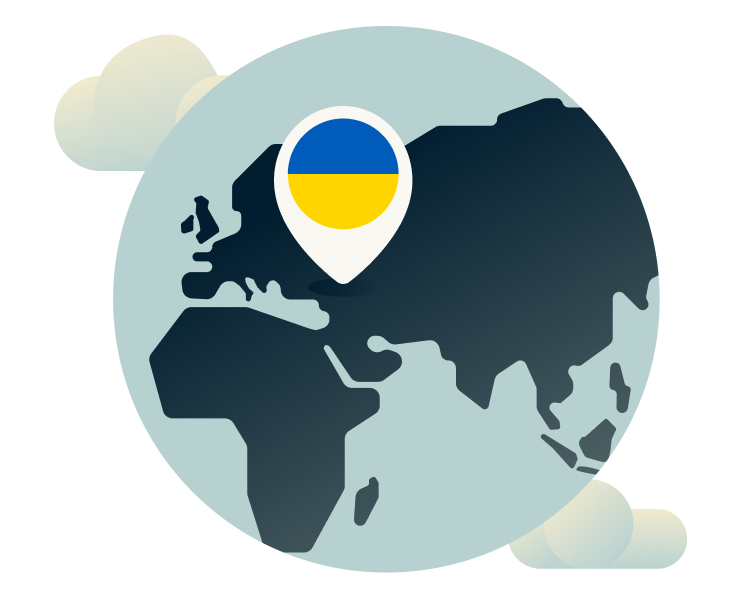
Get a local IP address wherever you go
Your Ukrainian IP comes from a virtual server based in a privacy-friendly country nearby, so your connection benefits from stronger data protections. And with 214 locations across 113 countries, you can switch to another country whenever you need a different IP address.
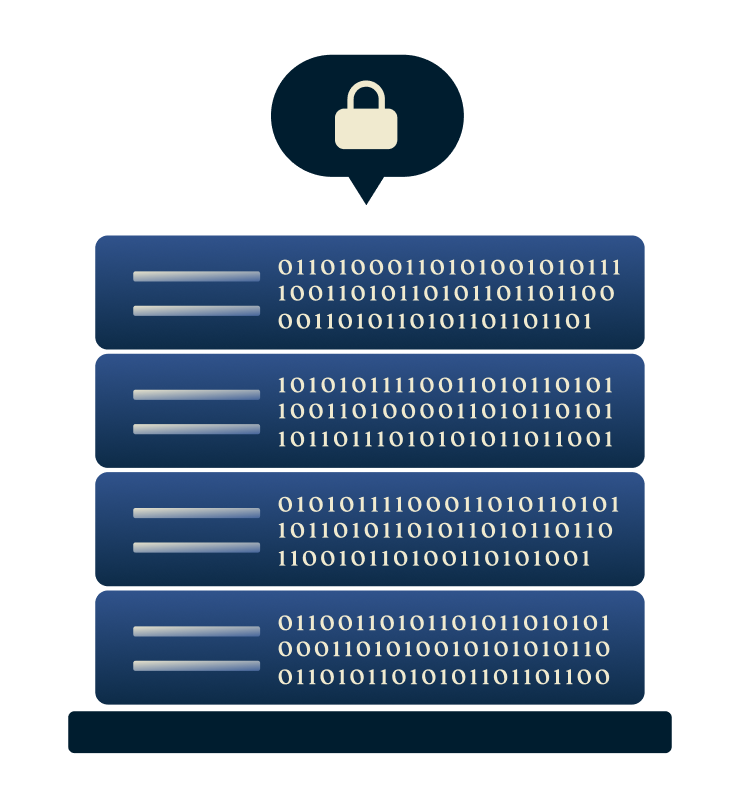
No logging of browsing data
Independent auditors have checked ExpressVPN's no-logs policy more than 20 times, to verify we don't record what you do online or when you connect to our servers for Ukraine or elsewhere.
Every server runs on RAM only with TrustedServer technology, so every reboot wipes the slate clean and data cannot persist on the server.
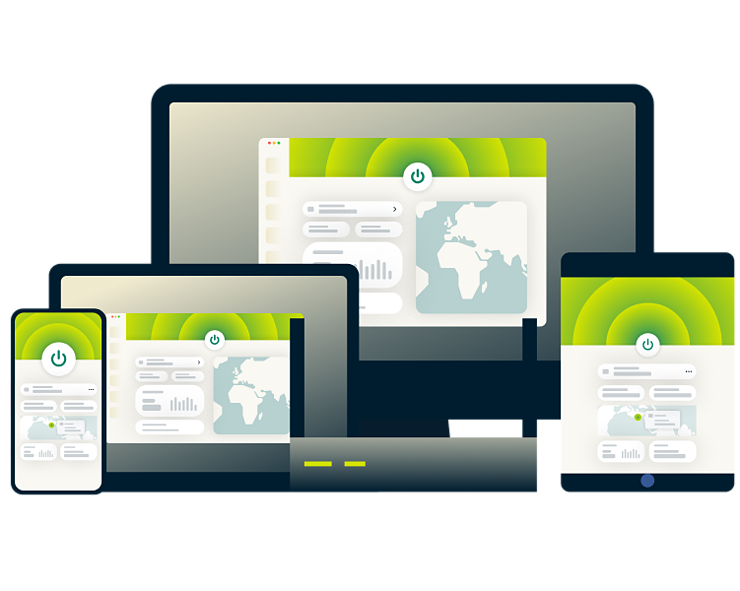
Easy-to-use apps for all major devices
ExpressVPN has beginner-friendly apps for all major platforms whether you want a Ukraine VPN for PC, Mac, iOS, or Android. Our VPN Chrome extension can work independently in your browser or pair with the desktop app for protection across your entire device. You can connect up to 14 devices at the same time.

Get 24/7 live support
If your connection drops or acts up, ExpressVPN's Support team is on hand around the clock over live chat and email to get you back online. And if it's not the right fit, our 30-day money-back guarantee for first-time customers means you can claim a full refund.
Why a paid VPN is worth it for Ukraine
Free VPNs look appealing, but they may limit the level of your protection
| Feature | ExpressVPN | Free VPN |
| No-logs privacy | Over 20 independent audits verify that we follow a strict no-logs policy | Usually make unproven privacy claims or offer none at all |
| Servers in Ukraine | Virtual servers for Ukraine give you a local IP address | Either none offered or very limited options available |
| Bandwidth limits | No bandwidth limits or data caps | Usually throttle your speeds and apply monthly data caps |
| Server speed | 10Gbps and 40Gbps servers | Slow or unstable speeds on often overcrowded servers |
| Simultaneous connections | Supports up to 14 depending on plan | Usually support one to two devices |
| Live chat support | Available 24/7 | Typically none offered |
Popular VPN server locations
for Ukrainians
ExpressVPN also covers the destinations Ukrainian users connect to most often




Why millions choose ExpressVPN
-
Absolutely fantastic. It was the perfect solution for connectivity issues in a game I've been playing recently.
J B


-
ExpressVPN is the perfect all around VPN service for your network security needs.
Dirt_Reynolds


-
ExpressVPN is the fastest VPN I've found. It shows you the fastest server you can connect to, and a list of alternate servers.
Christopher Gilmer
-
#1 Best VPN 2026 & Best Gaming VPN
ExpressVPN is the best Gaming VPN right now, thanks to its impressive speeds, excellent privacy protections and expansive global network of servers.

-
Editor’s Choice Award 2026
ExpressVPN’s expansive network and dedication to staying on the forefront of encryption tech earn it an award.

-
#1 Best VPN for the U.S. 2026
ExpressVPN is the best VPN for the U.S. right now. It has VPN servers in every American state, excellent security, and a simple user interface.

-
 Rated 4.4 out of 5
 -
 Rated 4.7 out of 5






FAQ
Which VPN has Ukraine servers?
ExpressVPN has servers for Ukraine that provide a genuine Ukrainian IP address. These are virtual servers based in a privacy-friendly country, which means your connection benefits from stronger data protections alongside a reliable Ukrainian connection.
How do I change my IP to Ukraine?
Download the ExpressVPN app and sign in with your account details. Open the server list, search for Ukraine, and tap or click connect. ExpressVPN will then assign you a Ukraine IP address.
Is using a VPN legal in Ukraine?
Yes. VPNs are legal in Ukraine for personal and business use. Using a VPN to protect your connection or access home services from abroad does not break Ukrainian law. As with any country, using a VPN to carry out criminal activities remains illegal regardless.
Can I use a free Ukraine VPN?
Free VPNs may be risky. Most cap your bandwidth, offer few server locations that rarely include Ukraine, and don't independently audit their privacy practices. Some even fund their operations by collecting and selling user data. ExpressVPN's privacy is independently verified, and we don't apply limits to your connection.
Does a VPN affect speed?
Using a VPN can reduce speed slightly compared to a direct connection as it encrypts and routes your traffic through an extra server. ExpressVPN is designed to minimize that impact through the Lightway protocol and its high-capacity servers. Most users notice no meaningful difference during everyday browsing, streaming, and video calls.
Can I use a Ukraine VPN on Chrome?
Yes. ExpressVPN's Chrome extension lets you connect to a Ukrainian server directly from your browser. You can run it as a standalone browser-only proxy with no app installation, or use it alongside the ExpressVPN desktop app for full device-wide VPN protection.
How do I set up a Ukraine VPN on a PC?
Download the ExpressVPN app for your device, install it, and sign in with your account details. Open the server list, search for Ukraine, and click connect. ExpressVPN establishes an encrypted connection in seconds.















Get ExpressVPN for Ukraine risk-free*
- Protect your privacy and security on any network
- Access your accounts safely outside Ukraine
*For new subscribers only. Contact our support team within 30 days to request a refund. iOS and Android subscribers must request refunds through Apple or Google Play, subject to their respective refund policies and discretion.