-
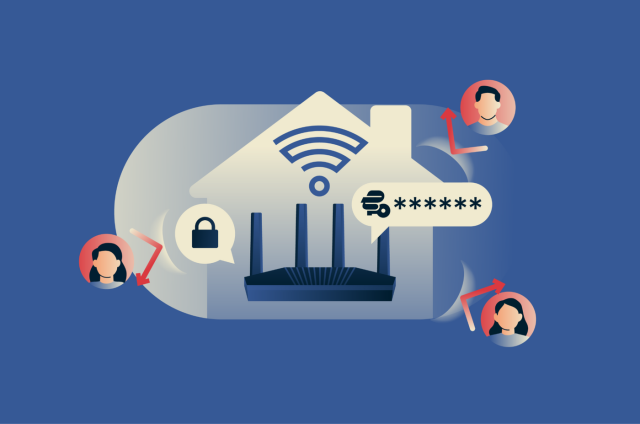
How to stop neighbors from using your Wi-Fi
The best way to stop neighbors from using your Wi-Fi is to protect it with a strong password, enable modern encryption, and regularly check for and remove unauthorized devices. To make these steps eas...
-
How to choose a VPN router
A VPN router runs a VPN connection at the network level so connected devices can use the VPN without their own app. Some routers come with a built-in VPN, while others require manual setup. When choos...
-
How to configure Firefox privacy settings with ExpressVPN
ExpressVPN encrypts your internet traffic and masks your public IP address, but some privacy settings still depend on Firefox, including how it handles trackers, location requests, and Domain Name Sys...
-

VPN speed test: How to test your VPN speed accurately
To test your VPN speed accurately, first measure your normal internet connection with ExpressVPN disconnected to establish a baseline. Then test your connection with ExpressVPN activated to see how it...
-
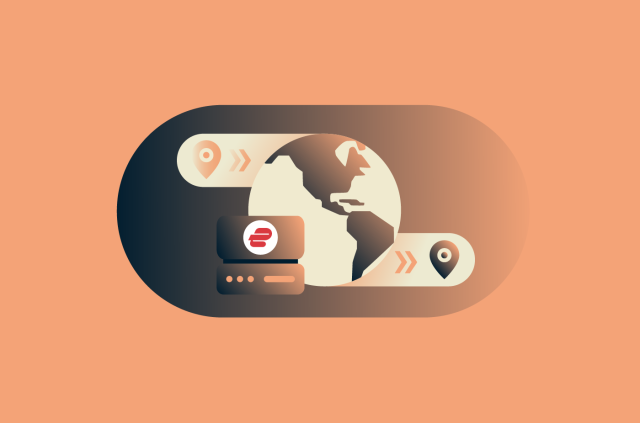
What happens when you change your VPN location?
When you use ExpressVPN to change your VPN location, your internet traffic is routed through a VPN server in the location you select. This changes the location that websites and services can infer fro...
-
How to protect your Starlink internet traffic
You can use ExpressVPN with Starlink to make your internet activity more private. ExpressVPN encrypts your internet traffic before it travels over Starlink’s network and keeps it encrypted until it ...
-

Coupon fraud explained: How to spot fake deals and shop safely
Online coupons are a popular way to save money. However, not every coupon is genuine. Some offers are designed to look legitimate but are actually part of broader online coupon fraud schemes that aim ...
-
Is Zelle safe? What to know before you send money
Zelle is a peer-to-peer (P2P) payment service built into many U.S. banking apps. Because it's integrated with your bank, using it can feel as secure as any other financial activity. But how safe is it...